How to run Puppeteer on ARM based Infrastructure
Hello,
For years now I’ve been using Phantom.js for some server-side browsing feature. For 2 mains reason it recently leads me to find a replacement**:**
- I am now on a ARM based infrastructure and the binary I was using was no longer working
- Phantom.js project is no longer under development as far as I know
So recently I’ve run through this on Twitter
Puppeteer v2.1.0 is out! 🔥
➡️ Chromium 80
➡️ puppeteer.launch({product: ‘firefox’})Puppeteer can now talk to a real, unpatched Firefox binary. You no longer need to install puppeteer-firefox separately
pic.twitter.com/Kw5UZ35gHo
— Mathias Bynens (@mathias) January 28, 2020
When it came to find a replacement for Phantom.js I thought about this.
How to
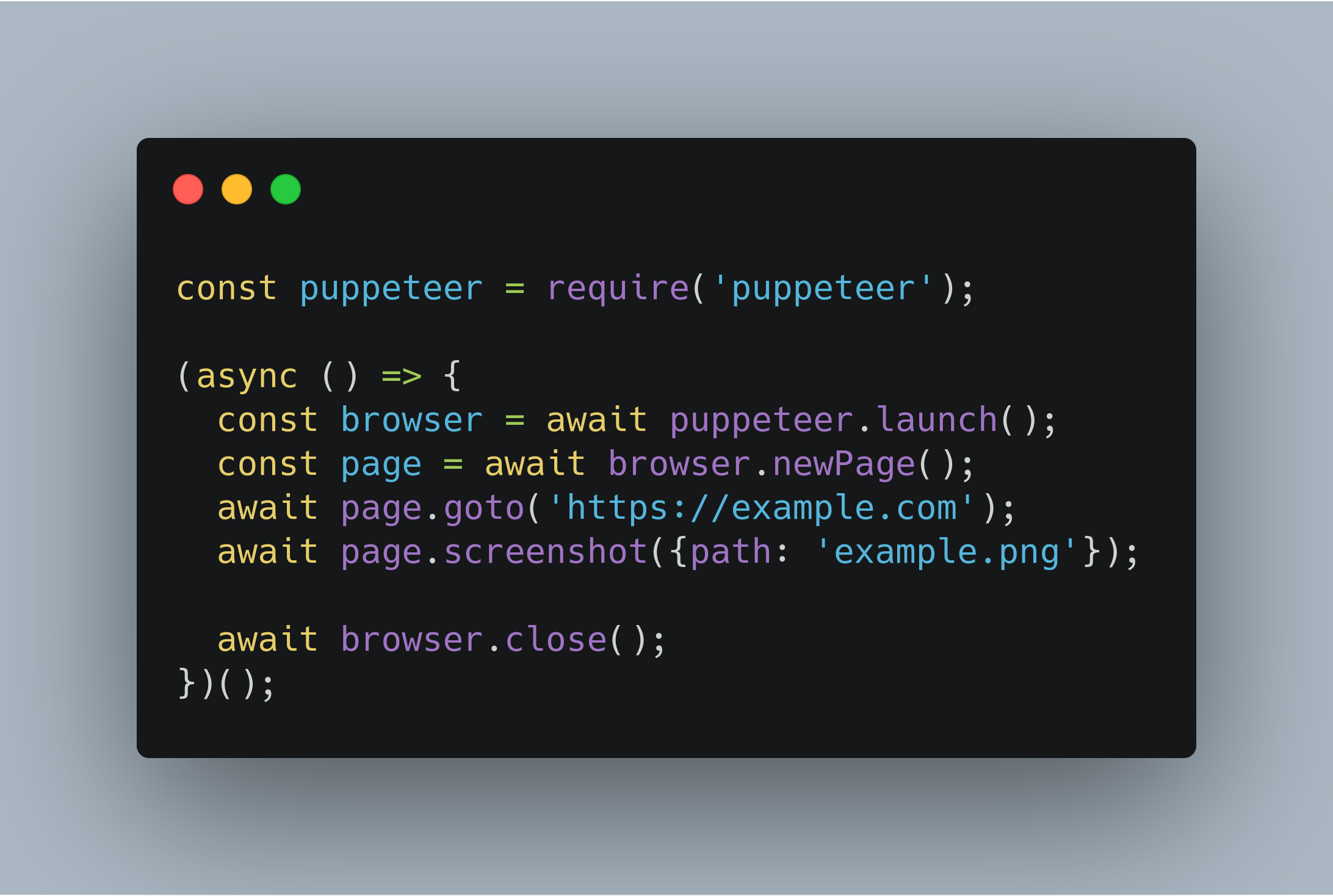
- Create your Node.js Project with puppeteer as dependency
yarn add puppeteer or npm i install puppeteer
2. For a debian based distribution install chromium
apt-get install chromium
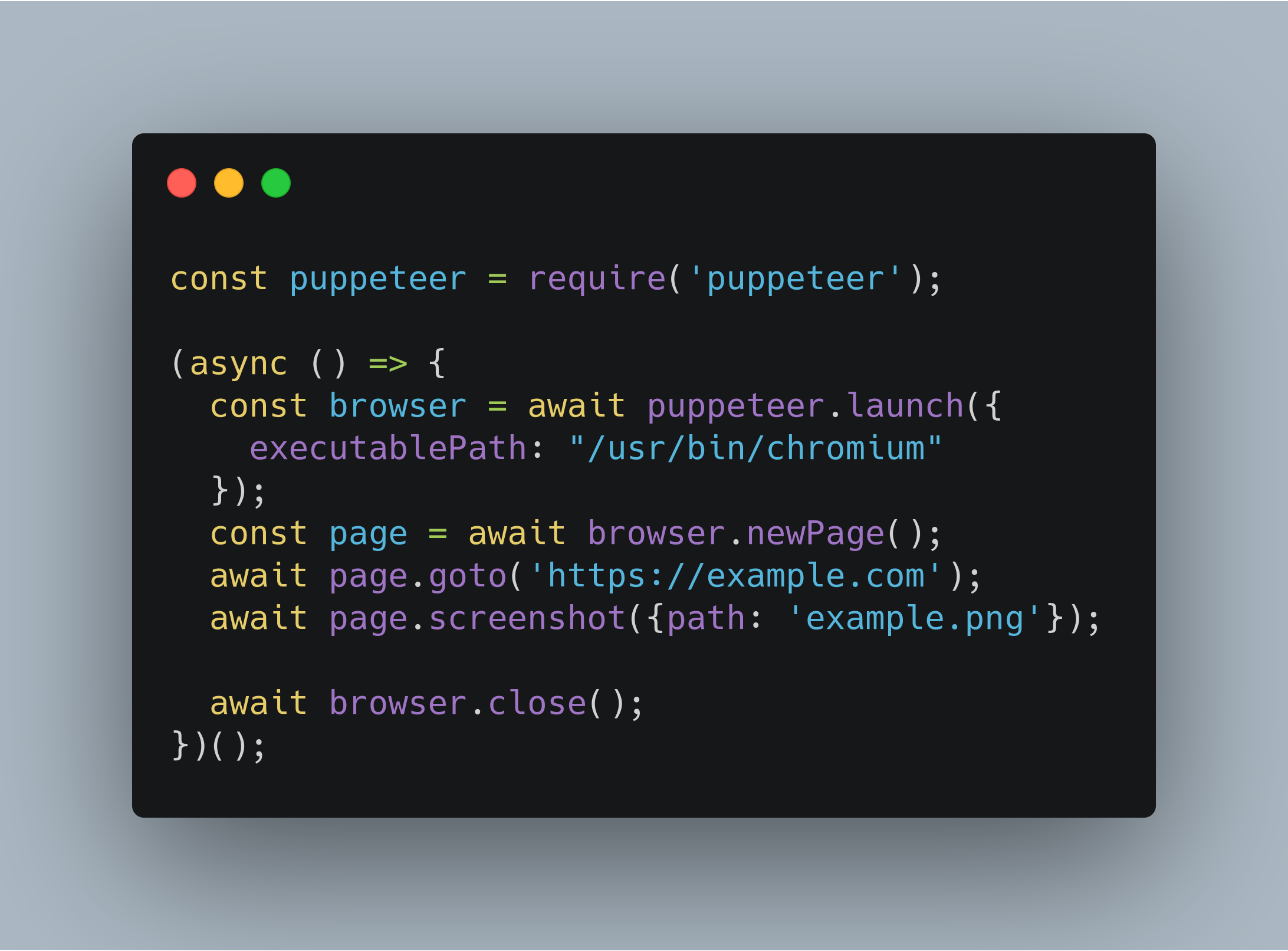
3. Get chromium binary location
which chromium you’ll get /usr/bin/chromium
4. Just reference that binary for puppeteer just as suggested on Mathias Bynens’s Tweet above
You can have an overview of issue for running puppeteer on a arm based environment from Github issue there:
raspberry pi Chromium revision is not downloaded · Issue #550 · puppeteer/puppeteer
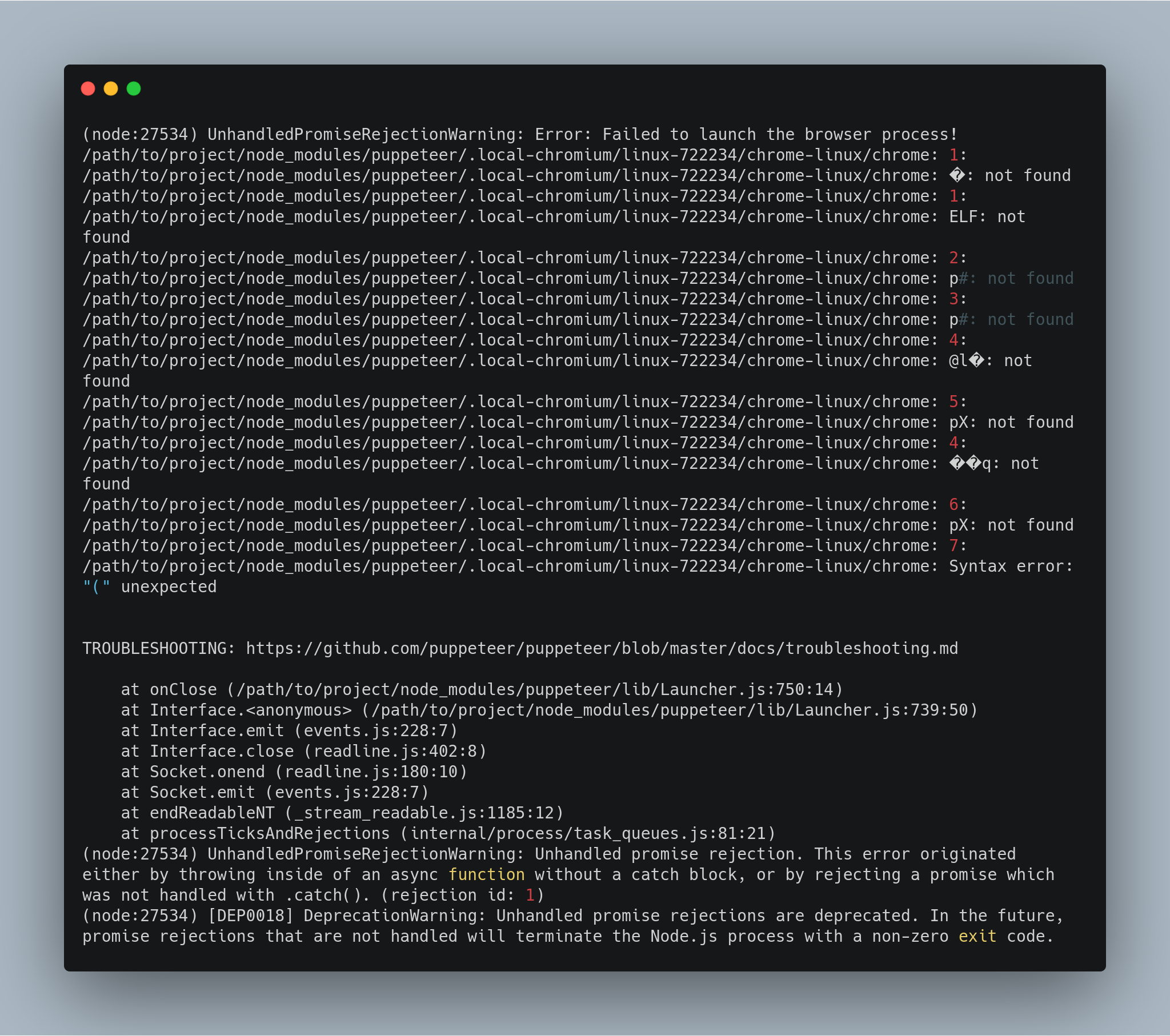
If you are not referencing chromium on arm based infrastructure you’ll get errors
That’s all for today, enjoy.
Get notified when I publish something new. No spam, unsubscribe anytime.